Share this article! Here's a short link you can use: http://im.vu/help531
Need to pick a perfect spot for your furniture? It’s easy! Learn how to offset an item to achieve the best interior design for your room.
On IMVU Classic (3D Client)
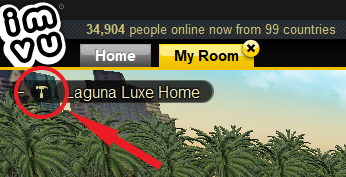
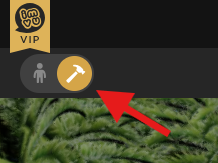
Step 1. Click the hammer icon located in the upper left corner of your room.
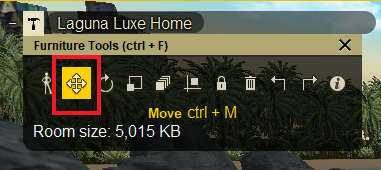
Step 2. All the furniture tools will show. Select the Move icon, and hover your mouse over the furniture you want to move.
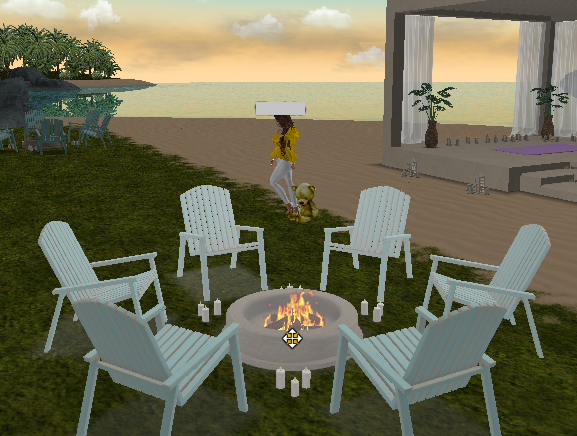
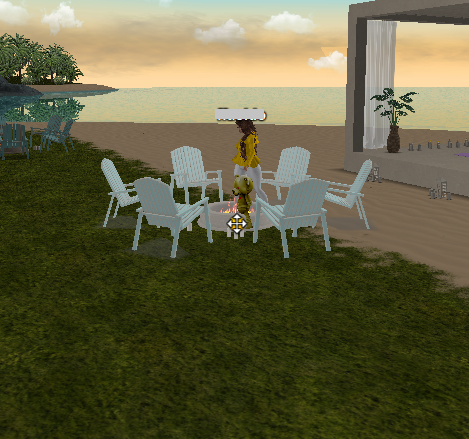
Step 3. The selected furniture will be highlighted. Click and drag it to the spot where you want to move it.
On IMVU Website/Desktop
Step 1. From the room card, select the hammer icon. If you are inside the room, you can find the icon in the upper left corner (Decorate Mode).

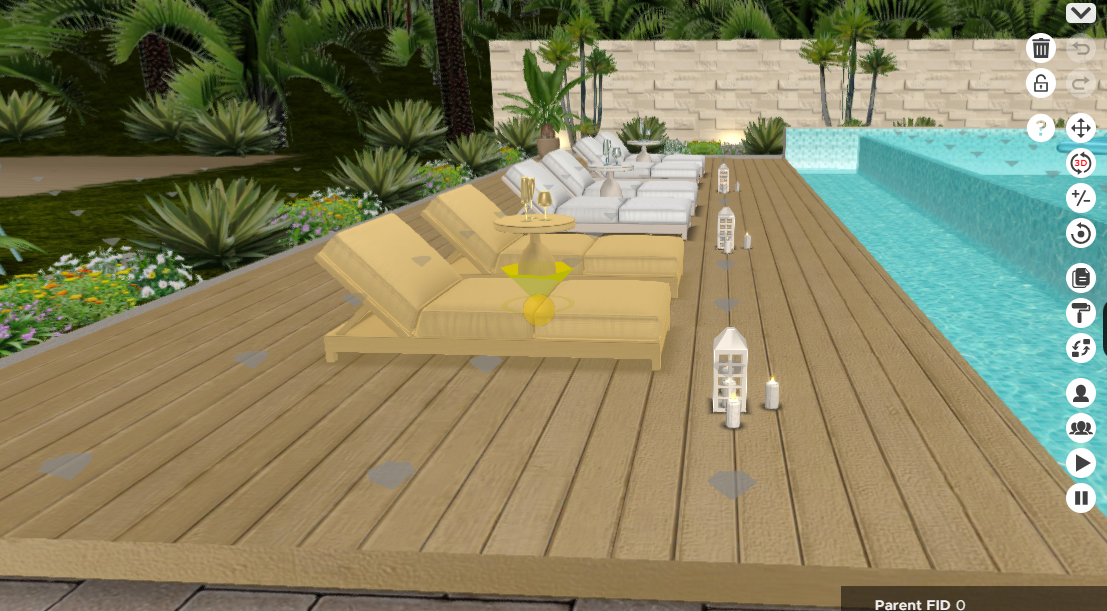
Step 2. Select the furniture you want to move.
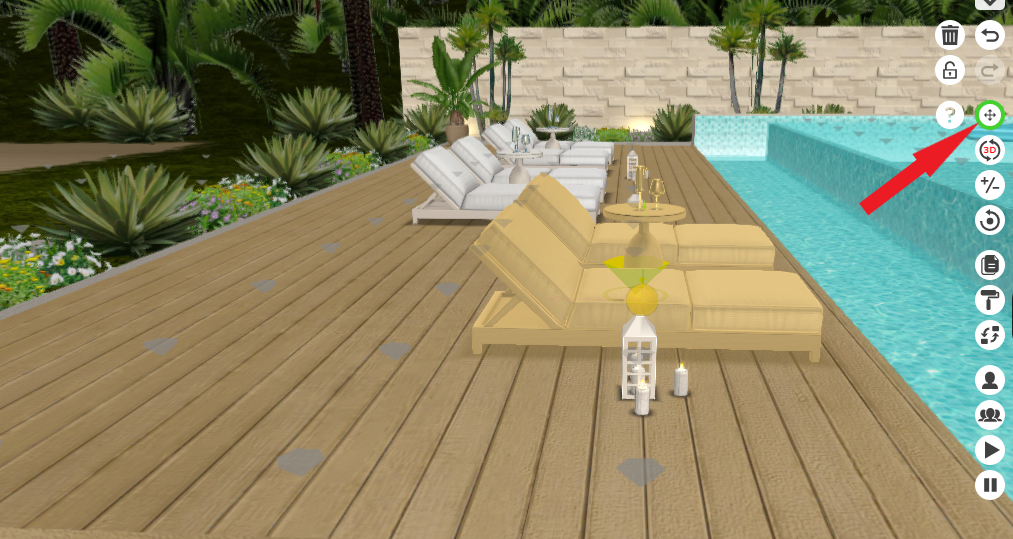
Step 3. On the right side, select the Offset icon. Hover your mouse over to the selected furniture, and drag it to your new preferred spot.
Was this article helpful?
That’s Great!
Thank you for your feedback
Sorry! We couldn't be helpful
Thank you for your feedback
Feedback sent
We appreciate your effort and will try to fix the article