Share this article! Here's a short link you can use: http://im.vu/help800
Want to check the status of your offers? You can view all your available and completed rewards by logging into IMVU Mobile, heading to Rewards, and tapping Earn Credits.
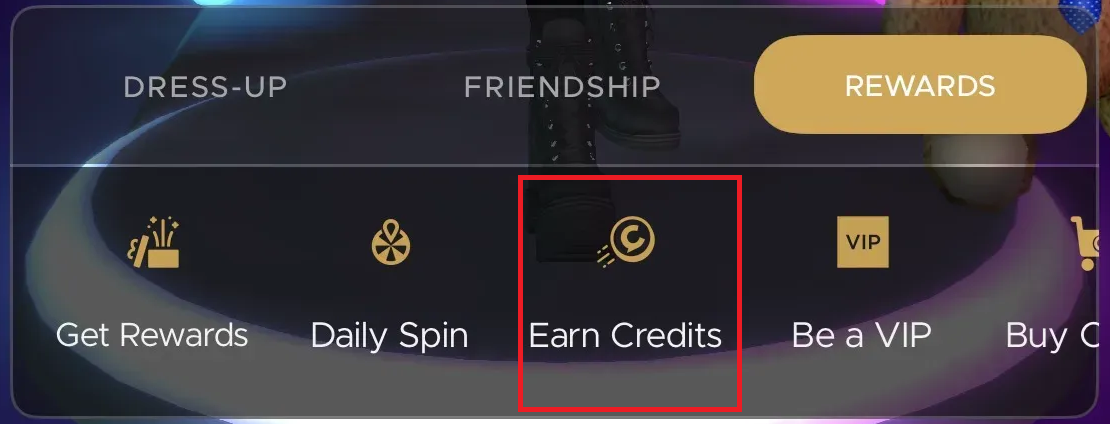
Below are the usual status you will see:
Verifying - Started but not yet completed.
Pending - Waiting for confirmation from the 3rd party offer.
Completed - Completed offer.
If you’re missing credits from an offer you completed, don't worry! Since our offer partners manage their own promotions, they’re the best people to help you track them down.
Just click the respective provider link below of the offer your completed to get started:
When you reach out, be sure to include as much detail as possible about the offer, this helps them investigate your missing reward much faster.
I completed a Quest but didn’t receive Promo Credits. What should I do?
Please review your Credits Balance Log to check if you have already got the free Promo Credits. If not, please contact our support team for assistance.
For more information, kindly visit this article
.
Earn more rewards as a VIP! VIPs can now get 50% MORE Promo Credits when filling out Tap Research Surveys on our mobile app. If you aren’t a VIP yet, check out our VIP Program today!
Was this article helpful?
That’s Great!
Thank you for your feedback
Sorry! We couldn't be helpful
Thank you for your feedback
Feedback sent
We appreciate your effort and will try to fix the article