Share this article! Here's a short link you can use: http://im.vu/help516
Login to IMVU Classic to hide your offline friends.
Not on IMVU Classic yet? Download the latest version here.
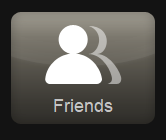
Step 1. Launch IMVU Classic and click the Friends tile.
Step 2. The page will show all your IMVU friends and your recent chat interactions. In the top-right corner, click the gear icon (Settings).
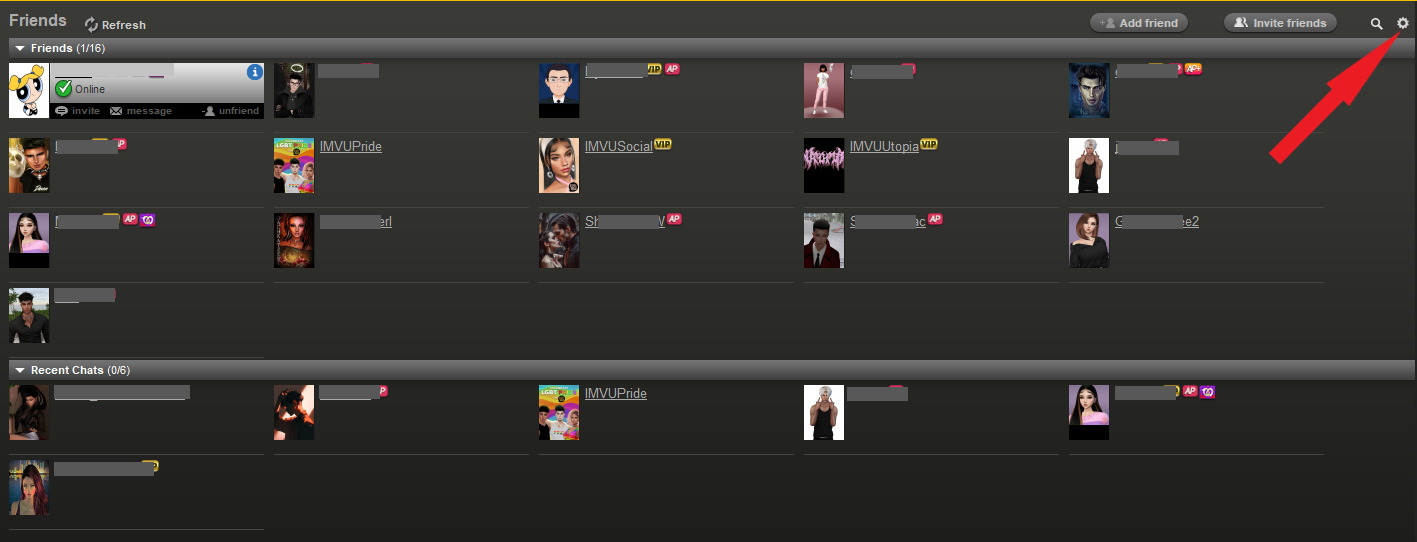
Step 3. Uncheck “Show offline friends” to hide all your offline friends. Only your online friends’ profiles will be left. Simply check the box if you want to show them again in the list.


Was this article helpful?
That’s Great!
Thank you for your feedback
Sorry! We couldn't be helpful
Thank you for your feedback
Feedback sent
We appreciate your effort and will try to fix the article