Share this article! Here's a short link you can use: http://im.vu/help511
To make changes to your homepage panel permissions, login to the IMVU Classic Website and go to “Account Settings & Tools”.
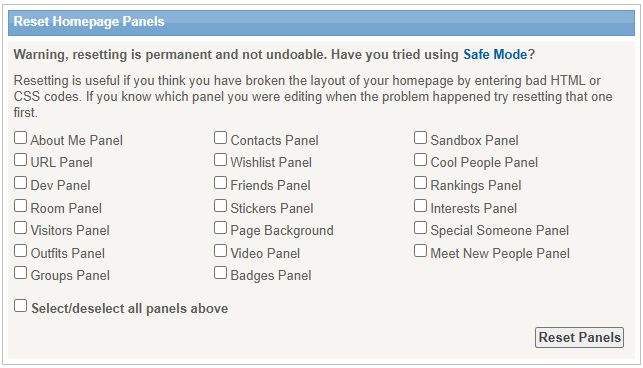
Remember, make sure to review all the panels you wish to reset as the changes will apply permanently.
Was this article helpful?
That’s Great!
Thank you for your feedback
Sorry! We couldn't be helpful
Thank you for your feedback
Feedback sent
We appreciate your effort and will try to fix the article